
Each pay period, your Payroll Manager may send a request to complete payroll entry for your employees. Using your Employer Dashboard, hours worked and other amendments to pay for each employee can be entered, ready for your next payroll run.
Payroll entry requests allows your Payroll Manager to send you (as the employer) a request to enter payroll information for some or all of your employees. The payroll data entered can be sent back to your Payroll Manager for them to upload the data into BrightPay.
When a Payroll Entry Request is sent, as the employer you will receive email notification from your payroll manager with the payroll entry request details, as per the example below:
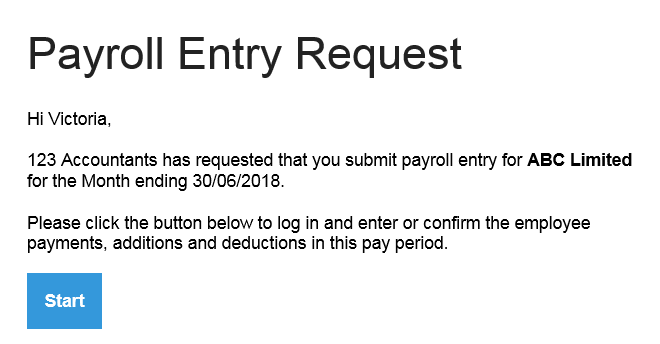
Clicking the 'Start' button will bring you to the BrightPay Dashboard login page. After logging in, the employer will see the Payroll Entry Request and the employees included in the request.
Comments
0 comments
Please sign in to leave a comment.